Texturing for the N64
How texture formats, vertex colors, and the color combiner shape Pandemonium’s N64 boss room.
We built Pandemonium, our N64brew game-jam boss battle, with very little time for optimization. We didn’t get to check every texture’s size or format, and the room wasn’t textured as nicely as we wanted. There was lots of overdraw. Z fighting on the floor. Assets didn't make it into the final build. Usual game-jam chaos.
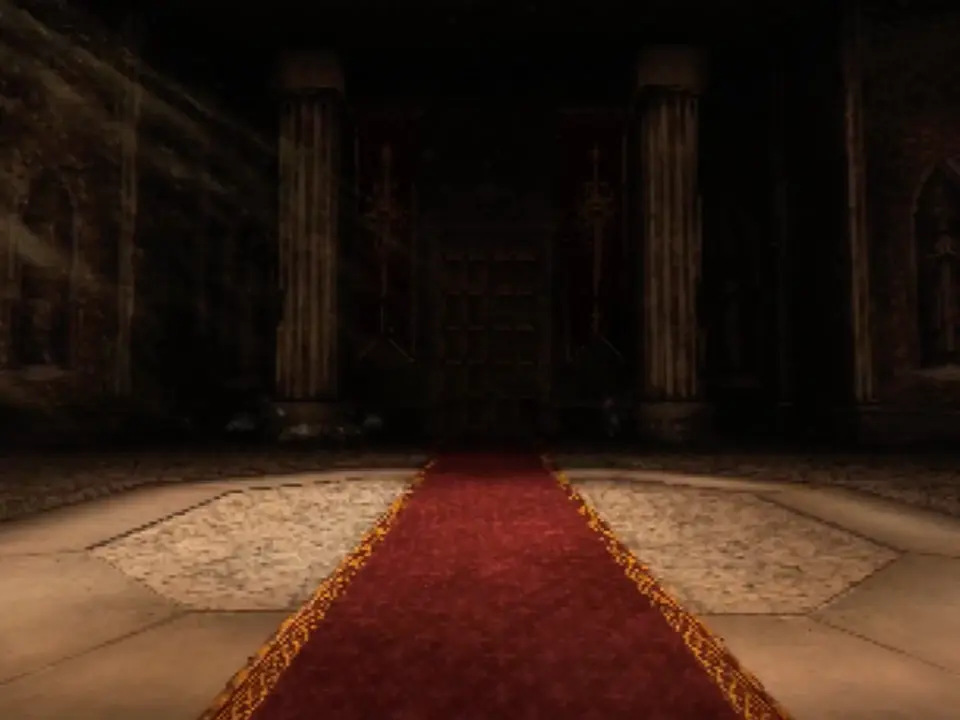
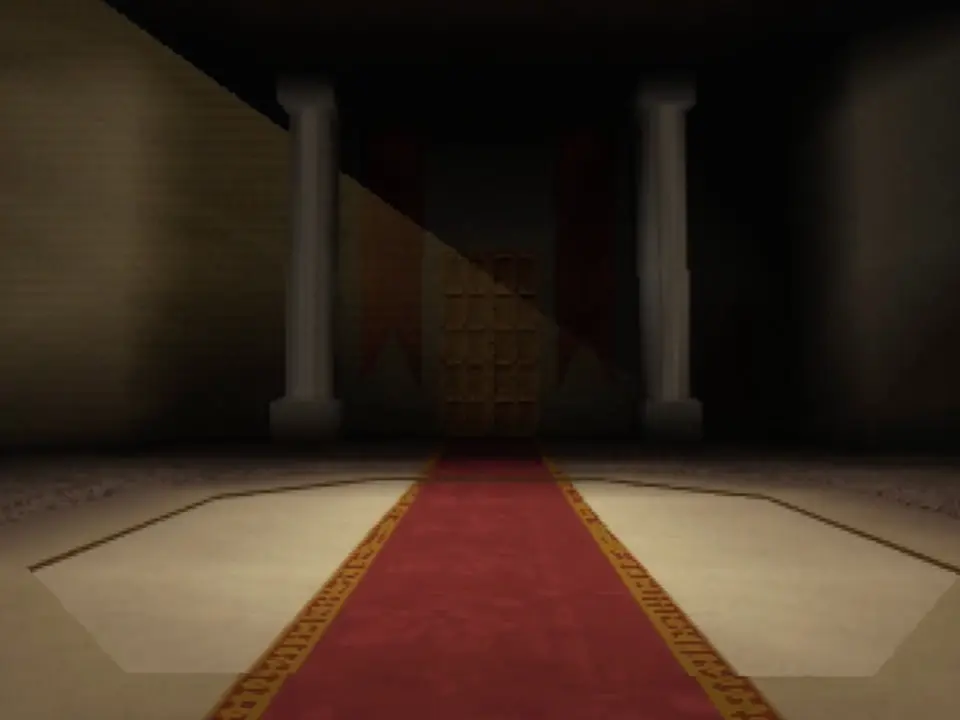
Revisiting the scene gave us time to improve the artwork and look at what each surface actually needed. The stone floor went from I8 to I4: 4kb down to 2kb, still at 64 × 64. The mesh still supplies its color.
All Pandemonium textures were made by my teammate BoxingBruin.
Small textures, tight budget
A texel (texture element) is one pixel in a texture, so a 64 × 64 texture contains 4,096 texels.
The N64’s graphics hardware has 4kb of texture memory, called TMEM. That is space for textures being used while drawing, rather than a limit on all the artwork in a game. The RDP can only sample texels already loaded there, so textures that exceed that space must be drawn in smaller sections, with new texture data loaded between draws.
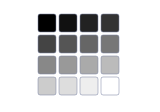
One brightness value per texel.

Grayscale. Opacity follows brightness, so the bottom cannot fade independently.
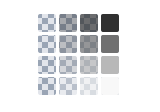
Brightness and alpha, stored separately.

Grayscale, with a separate transparency fade along the bottom.
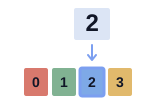
An index selects a palette color.

The gradient becomes blocks of palette colors. Alpha is on or off with this RGBA16 palette.
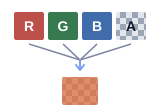
Color and alpha stored directly.

The reference: smooth color, distinct magenta/green stripes, and a soft alpha fade.
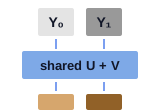
Two brightness samples share U and V.

The magenta/green stripes lose their color when paired. The bottom stays opaque.
Fewer bits can leave room for more texels, at the cost of brightness levels, colors, or transparency precision.
| Format | Bits / texel | What it stores |
|---|---|---|
| I4 | 4 | 16 brightness levels |
| I8 | 8 | 256 brightness levels |
| IA4 | 4 | 3 intensity bits + 1 alpha bit |
| IA8 | 8 | 4 intensity bits + 4 alpha bits |
| IA16 | 16 | 8 intensity bits + 8 alpha bits |
| CI4 | 4 | An index into a 16-color palette |
| CI8 | 8 | An index into a 256-color palette |
| RGBA16 | 16 | 5 bits per RGB channel + 1 alpha bit |
| RGBA32 | 32 | 8 bits each for red, green, blue, and alpha |
| YUV16 | 16 | Brightness per texel, with U and V shared by a horizontal pair. No alpha |
These layouts follow libdragon’s texture-format definitions.
Which format would I use?
I’d start with what the surface needs. Each pair below uses the same source, so you can see what changes when you spend more memory.
Can the mesh supply the color?


For a tinted stone floor, I’d start with I4. I8 costs twice as much at the same dimensions. Use it if the brightness steps in I4 spoil the shading. Both examples get the same tint from vertex color.
Does the artwork need its own colors?


The carpet’s pattern needs color in the texture. CI4 has 16 palette entries and CI8 has 256. If neither palette keeps the colors you need, try RGBA16, at 2b per texel.
Does it need a hard edge or a soft fade?


IA4 works for a grayscale cutout such as a banner ornament. A glow needs the softer alpha of IA8. IA16 adds precision. For an effect with its own changing colors and smooth alpha, use RGBA32.
How big is it on screen?


 32 × 32 source
 64 × 64 source
Up close, the larger texel grid can help. On a tiny pickup, that detail may disappear. Choose dimensions for the view. A detailed mesh does not automatically need a large texture.
For colored cutouts, RGBA16 or CI with an RGBA16 palette gives you on/off alpha. YUV16 is a separate case for video frames or photographs: it keeps brightness detail but shares color between neighboring texels, and has no alpha. It uses libdragon’s dedicated YUV conversion mode.
For surfaces that recede into the distance, mipmaps can reduce shimmering. They add storage, so budget for the levels that need to be loaded together.
Vertex colors
If you can get away with a simple color then this is definitely the way to go. A grayscale stone texture can still produce a colored floor. The texture supplies fine detail. Colors stored at the mesh’s vertices supply broader variation. The renderer blends those corner colors across the entire triangle, then multiplies the texture by that color:
surface RGB = texture intensity × interpolated vertex RGB


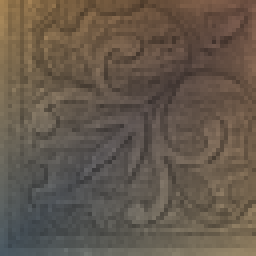
For 2kb of raw texels, RGBA16 gives you 32 × 32 pixels, while I4 gives you 64 × 64: four times as many texels. Putting broad color changes in the vertices can preserve a larger grid for surface detail.
Vertex colors do not increase the screen resolution or add texture pixels by themselves. Their gradients follow the mesh, and vertex data also costs memory. The original floor already used this technique, and the revision keeps it.
How the color combiner builds the material
The texture format tells us what is stored. The color combiner decides how those samples mix with the other inputs. Vertex colors only affect the result if the material’s formula uses them.
Each cycle runs this formula separately for RGB and alpha:
(A − B) × C + D
The letters are input slots, like the fields in Fast64. Some of the inputs you can choose are:
- Texture 0 / 1: Color and alpha sampled from the first or second texture.
- Shade: Vertex color or lighting, blended across the triangle.
- Primitive: A fixed color set by the material or drawing code. Here it tints the columns.
- Environment: A second fixed color the formula can use.
The available inputs depend on the slot. See libdragon’s formula and input definitions.
- Cycles
- 2Two-cycle mode
- Textures
- 1I4 · 32 × 32
- Vertex shade
- UsedInterpolated vertex colors
- Primitive
- Color tint#FFFFFF
- Output alpha
- OpaqueForced to 1
- Preview blending
- OffOpaque surface
White primitive color leaves the first cycle’s result unchanged.
Multiply texture color by interpolated vertex shading. Force alpha to 1.
Cycle 1(Texture 0 − 0) × Shade + 0(0 − 0) × 0 + 1Tint the first result with primitive color. Keep its alpha.
Cycle 2(Combined − 0) × Primitive + 0(0 − 0) × 0 + Combined


In a two-cycle material, Combined is the first cycle’s output, used as an input to the second. See libdragon’s documentation for the second cycle.
The two-texture blend preset uses
(Texture 1 − Texture 0) × amount + Texture 0
This is a lerp: amount 0 gives Texture 0, amount 1 gives Texture 1. It uses primitive alpha as the mix amount, then applies shade in cycle 2. Both textures must fit in TMEM together. These two 32 × 32 I4 patches use 1kb in total.
On an N64 model, the UVs select the texture samples and the vertex data supplies shade. Fast64 stores the combiner choices in the exported material, which the model pipeline must apply when drawing. Changing the PNG alone cannot change that formula. For the column settings, the equivalent libdragon configuration is:
rdpq_mode_combiner(RDPQ_COMBINER2(
    (TEX0, 0, SHADE, 0),       (0, 0, 0, 1),
    (COMBINED, 0, PRIM, 0),   (0, 0, 0, COMBINED)
));
rdpq_set_prim_color(RGBA32(255, 255, 255, 255));
The combiner is only part of the material. Lighting supplies shade before this step. The later blender handles mixing with the framebuffer. Alpha testing can discard cutout pixels. Standard fog also uses the blender, often borrowing shade alpha for depth, so it needs care alongside custom alpha formulas. See libdragon’s notes on fog and the combiner.

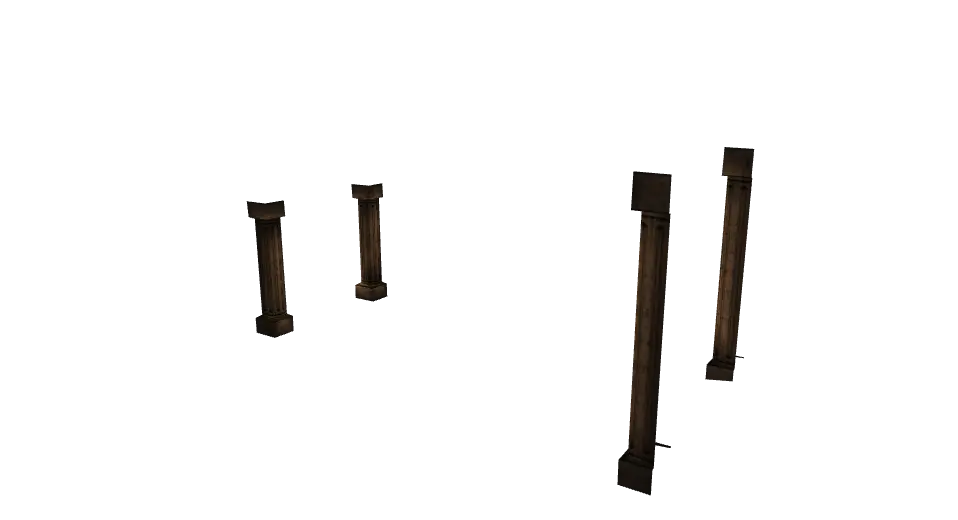
Left drag to orbit · right drag or WASD / arrow keys to pan · pinch, scroll, or + / − to zoom · R to reset
What changed in the room?
The floor’s artwork also changed, so the before-and-after images show more than a format conversion.
| Surface | Original → updated | Outcome |
|---|---|---|
| Stone floor | 64 × 64 I8 → I4 | 4kb → 2kb of texels |
| Carpet border | 16 × 64 CI8 in both | Same 1kb base cost, with revised artwork and added mipmaps |
| Banner layers | Separate I4 background and IA4 ornament in the local version | Different jobs for brightness and transparency |
The carpet still uses CI8. Its mipmaps actually add memory, but help stop the fine pattern shimmering in the distance. The banner layers show another tradeoff, spending bits on independent alpha where a decorative cutout needs it.
Try the formats yourself
Texels + a full RGBA16 palette for CI. Excludes headers, padding, mipmaps, and compression. PNG file sizes differ.

Each texel selects one of sixteen palette entries. This example generates an RGBA16 palette from the selected artwork.
Conclusion
The floor saves 2kb. The updated room still has more texture data and geometry overall:
| Room assets | Original | Updated |
|---|---|---|
| Model files | 10 | 12 |
| Triangles in those models | 1,316 | 2,321 |
| Material slots across models | 32 | 72 |
| Unique embedded textures | 18 | 51 |
| Estimated packed embedded texels | 69kb | 131.56kb |
Asset totals include room effects. Texel estimates exclude palettes, external mipmaps, padding, and headers.
During the jam, getting the game finished took priority. Coming back gave us time to revisit choices like the floor’s format and bring the stonework and banners closer to how we wanted them to look.
I hope this little deep dive into texture formats and the color combiner helps understand some of the finer details of Nintendo64 graphics.